-
Experimenting with the WP REST API
As a quick weekend project, I added some ajax-y goodness to my site with the help of the WP REST API plugin (set to be included soon in WordPress core) and History.pushState. There are some bugs, namely I still need to get the appropriate Jetpack gallery, related posts and share button features to load when accessed via javascript, if possible.
EDIT: I’m no longer experimenting with the REST API on this blog. Because I’m lazy, and it didn’t really bring any value to the site.
-
Apple Watch
The Edition models make me wonder. Buy a $10,000 Rolex and it will still be a fine watch in 30 years time (if serviced regularly). A $10,000 Apple Watch won’t.
-
The Scent of a Mattress

We bought a mattress from Ikea a week ago and it still smells so much of chemicals it’s impossible to even be in the same room without getting a headache, let alone sleep on it. I guess that’s why they have such a long return policy.
-
Cultural differences
Yesterday we bought a tray for our baby’s high chair. It came with a small instructions leaflet with the same text in multiple languages. They all seem to have more or less the same information content, but there were some differences. Here is the beginning of the text in each language.
UK
Congratulations on your new Playtray!
Germany
Herzlichen Glückwunsch zum Kauf von Playtray!
Sweden
Grattis till er nya Playtray!
Denmark
Tillykke med jeres nye Playtray.
Norway
Gratulerer med anskaffelsen av Playtray.
France
Nous vous remercions d’avoir choisi la tablette Playtray!
Spain
Enhorabuena por la compra de su nueva Playtray!
Netherlands
Dank u wel voor het aanschaffen van de Playtray.
US
WARNINGS
If you do not follow these warnings, your child could suffer from serious injuries.
-
Bicycle Decorations

This is one way of storing your bicycle for the winter!
-
A European WordCamp
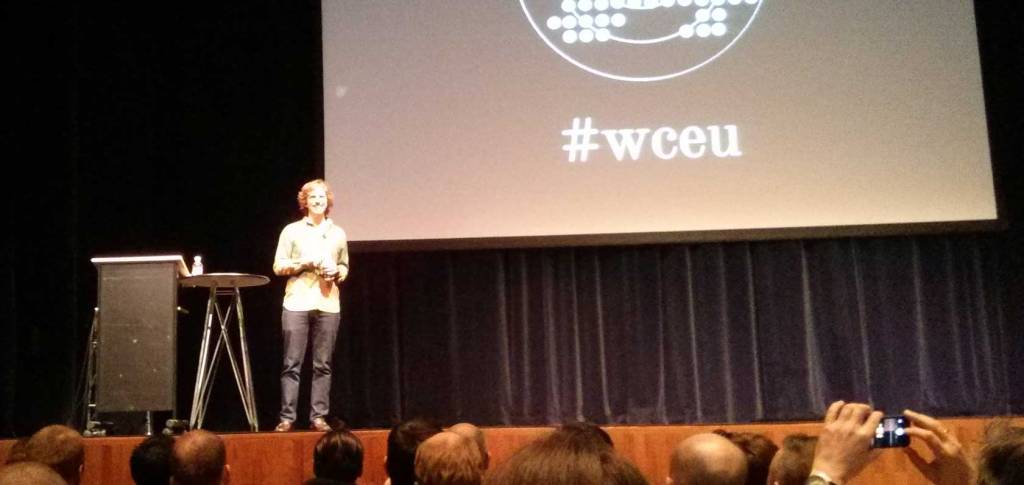
Last night I got home at 3:00 from the first ever multi-nation WordCamp, WordCamp Europe 2013 in Leiden, The Netherlands. The weekend was packed with many inspiring talks, but above all it was a unique chance to meet other developers and designers from around Europe and the world. Based on discussions I had during the past two days, advanced use cases of WordPress as an app platform are becoming more and more common. I also had the opportunity to talk to many WordPress “superstars” like Andrew Nacin, Nikolay Bachyisky and The Matt.
Putting together a conference of over 700 people can not be an easy task, but everything went pretty much without a hiccup (there were occasional wifi problems but that’s almost to be expected). A big thanks to the international team of organisers!
-
An Introduction for WordCamp Europe

Hello WordCamp Europe attendees! My name’s Daniel and I live in Tampere, Finland. After seeing similar posts by Rhys, Nuno and Jeremy, I thought I’d steal the idea and introduce myself to the WordCamp Europe croud in blog form. Hope you don’t mind. 🙂
So here goes: I’m the main translator for the Finnish version of WordPress and get paid by my employer H1 to work on interesting WordPress projects all day long. My first experiences with WordPress date back to 2005, professionally since 2008. I’m traveling to Leiden with all my beautiful colleagues (Aki, Jaana, Marco and Markus) so it’s going to be a grand weekend!
In addition to learning lots of new things from the conference sessions, I’m looking forward to meeting fellow WordPress professionals and discussing the following topics:
- Using WordPress as an application platform
- Scaling issues in deeply hierarchical and/or multilingual sites
- Development/staging/production environments and workflows for teams
We’re arriving in Leiden on Friday evening. See you there folks! Meanwhile you may connect with me on Twitter.
-
Trip to Denmark
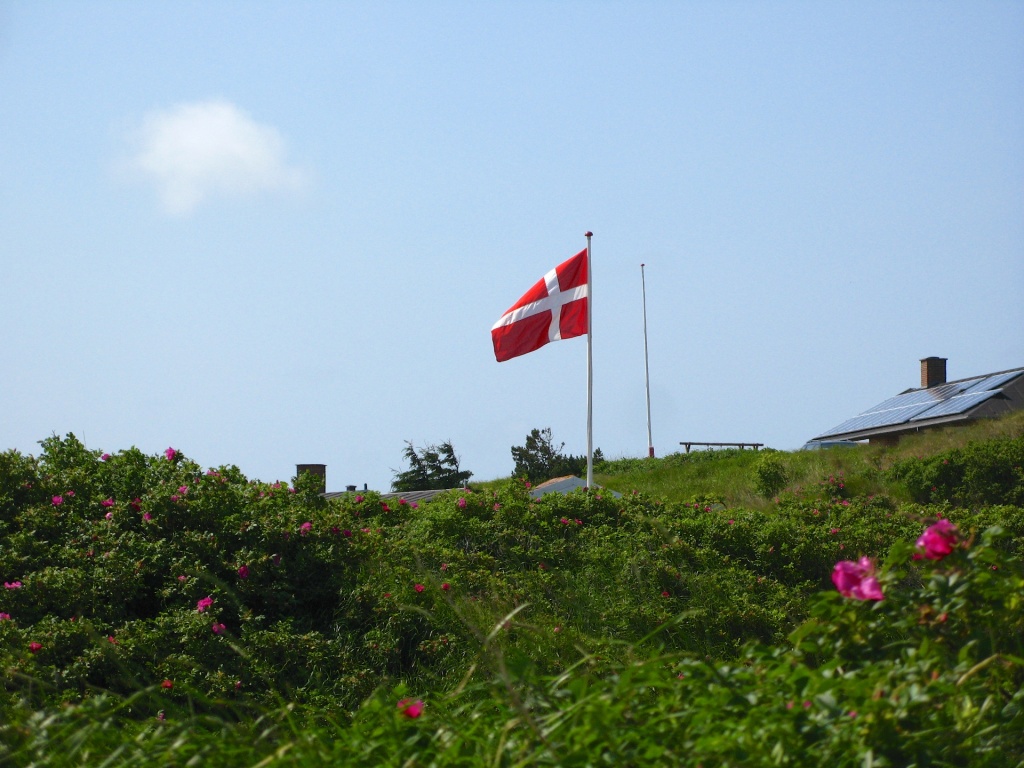
This Summer we made a trip to nearby Denmark. We spent a week in a cottage in Jylland by the North Sea, and a few days after that in beautiful sunny Copenhagen.

The oldest state flag in the world, and they know it. 
Our rented cottage near the sea. 
Pansy 
Light 
Me in waders. 
Everywhere you look, there are windmills 
We got to go on a long walk in the Wadden Sea national park (Vadehavet). 
Someone has glued Playmobil on the ceiling. 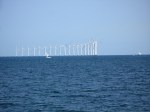
More windmills. 
Den Blå Planet aquarium in Kastrup, Copenhagen 
Mr Octopus 
Minecraft Lego! 
A public bathroom 
Our hotel in Copenhagen. 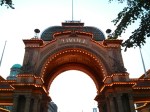
Tivoli -
Accessibility Tips for Front End Developers
I gave a short talk last Saturday on accessibility at Treweb, consisting of a few easy tips you can do to improve the accessibility of your web site or app, as a developer. This blog post is a summary of my main points.
Don’t prevent keyboard-only navigation
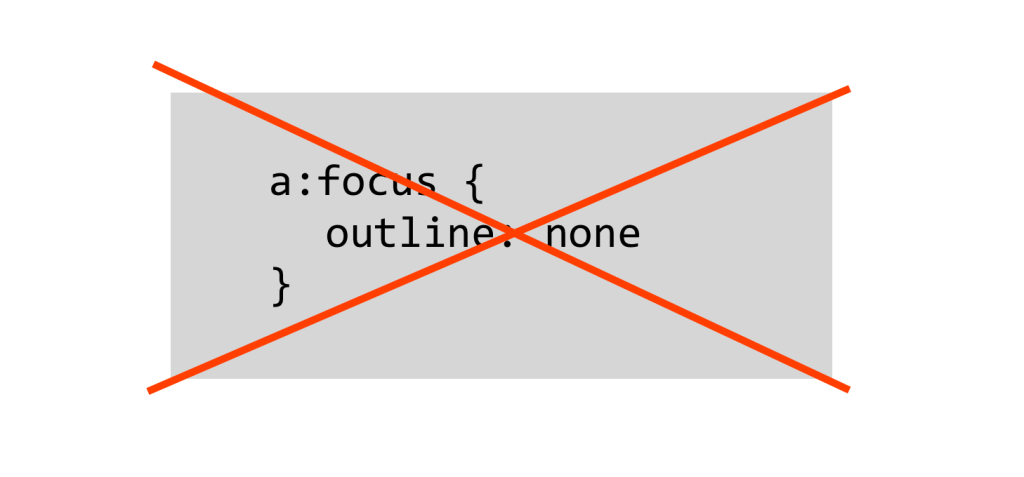
There are various reasons why some might be unable to use a mouse, but good keyboard support for web navigation also benefits power users. Unfortunately, some of the most popular CSS frameworks and resets include the following rule:
a:focus {
  outline: none
}
While this makes a lot of graphic designers happy, in practise it makes tabbing through links on a site practically impossible. Often the frameworks expect that you will redefine your own focus styles, but this rarely happens. The best option then is just to not disable them in the first place. A good second is to make hover and focus styles the same:
a:hover,
a:focus {
  background: #990099;
}
In forms, it can help to have a similar distinction for the active element, especially if the form is long. Placing form elements on top of each other (instead of side-by-side) will also make keeping track of the focused element easier.
Make pop-ups easy to close

Pop-up windows should be easy to get rid of, whether they’re “virtual” modal layers or actual windows (increasingly rare). It doesn’t matter if the pop-up was created via a user action or not, closing it should be simple both with a mouse and a keyboard. Make the click target big enough (see below) and support the ESC key:
$(document).keydown(function(e) {
  // ESC pressed
  if (e.keyCode == 27) {

    // ...insert code to hide popup here...

  }
}
Big click targets
In today’s touch-device-filled world you should be doing this anyway, but large click zones will also help anyone with difficulties using a mouse, such as people with Parkinson’s, the elderly, or you after a wild night out. For touch, a generally recommended size is 44 pt. Read this post by Luke Wroblewski on Touch Target Size.
Dropdowns
A long-time favourite annoyance of mine are large dropdown menus that just won’t stay open. Setting a delay (500-1000 ms) before a menu closes (after the mouse cursor leaves) will help all users. Also, test tabbing through your menus with a keyboard, can you tab through to the dropdowns?
Superfish and hoverIntent.js will help with both of the above issues. Superfish also supports touch.
Support custom stylesheets
According to the European Dyslexia Association, dyslexia affects about 8% of the population. Often dyslexics find that using a different font (such as Comic Sans) can help reading, so it’s a good idea to keep basic typographic styles fairly simple, thus making them easy to override with a custom style sheet.
Other good tips on catering to dyslexic users can be found in this blog post by UX Movement.
Use WAI-ARIA landmarks and roles
This is the definition of WAI-ARIA from the World Wide Web Consortium website.
WAI-ARIA, the Accessible Rich Internet Applications Suite, defines a way to make Web content and Web applications more accessible to people with disabilities. It especially helps with dynamic content and advanced user interface controls developed with Ajax, HTML, JavaScript, and related technologies.
In brief, ARIA includes a large set of attributes that add more semantics to HTML, and are especially useful in making complex dynamic UIs accessible to assistive devices, such as screen readers. However, the accessibility of any web page can be improved by ARIA landmarks, such as
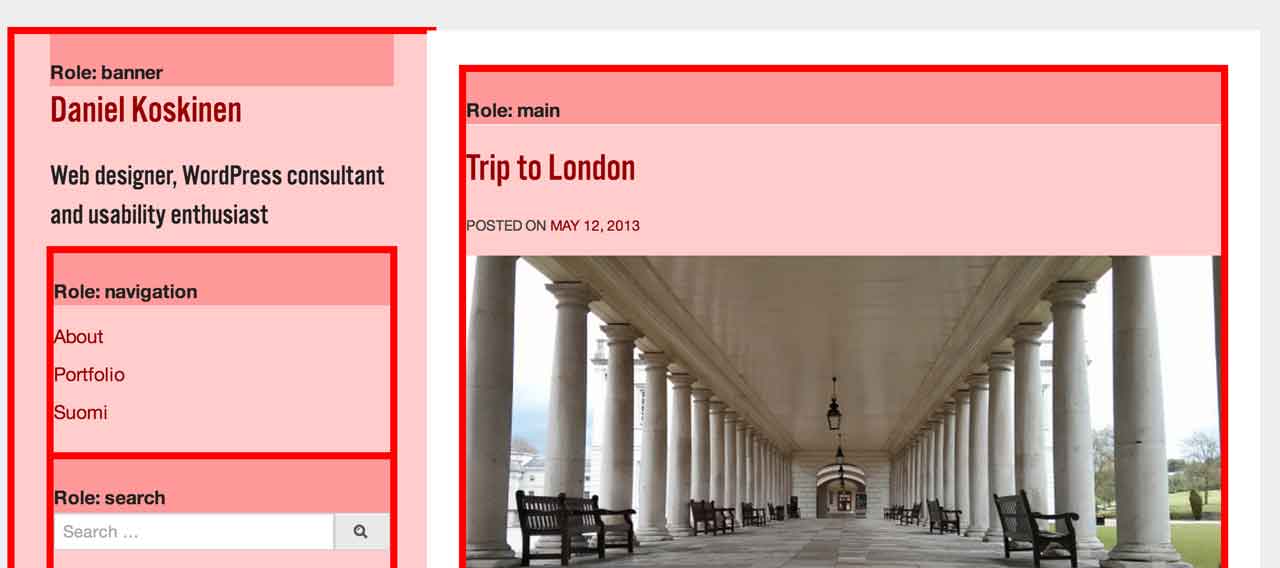
role="article",main,navigation,searchandcomplementary. All popular screen readers support dividing the page into according to these roles, thus making skipping to a specific area of the page quicker. I won’t go into more detail here, instead I suggest reading this introduction to landmarks on the Opera website.- For testing the landmarks on an existing page, I recommend the ARIA Landmark Inspector Booklet.
- A great blog post on using
aria-label: Making Accessible Icon Buttons by Nicholas C. Zakas. - On WAI-ARIA authoring practices (W3C)

A view of my blog generated by the ARIA Landmark Inspector Booklet The default theme for WordPress has included ARIA landmarks for at least the last 4 years.
Use enough contrast and support zooming text
For users with low vision and/or color blindness, a sufficient contrast between foreground and background is important. Total black-on-white is not necessarily the best option though, instead a slightly off-black (#222) on off-white (#eee or #ffe) might be better for a lot of users. For a long list of different contrast checking tools, go to 456 Berea Street.
Also check that your site supports zooming without breaking the page and hiding content. Using Ems and percentage units will help there.
Books
There are many books on accessibility, but I can recommend these:
- The Accessibility Handbook by Katie Cunningham (published 2012)
Short and practical and fairly up-to-date, my presentation (and this blog post) was strongly inspired by it. - Web Accessibility: Web Standards and Regulatory Compliance by Richard Rutter et al. (ISBN 978-1590596388, published 2006)
Somewhat out of date, but gives a very comprehensive view of web accessibility.
-
Trip to London
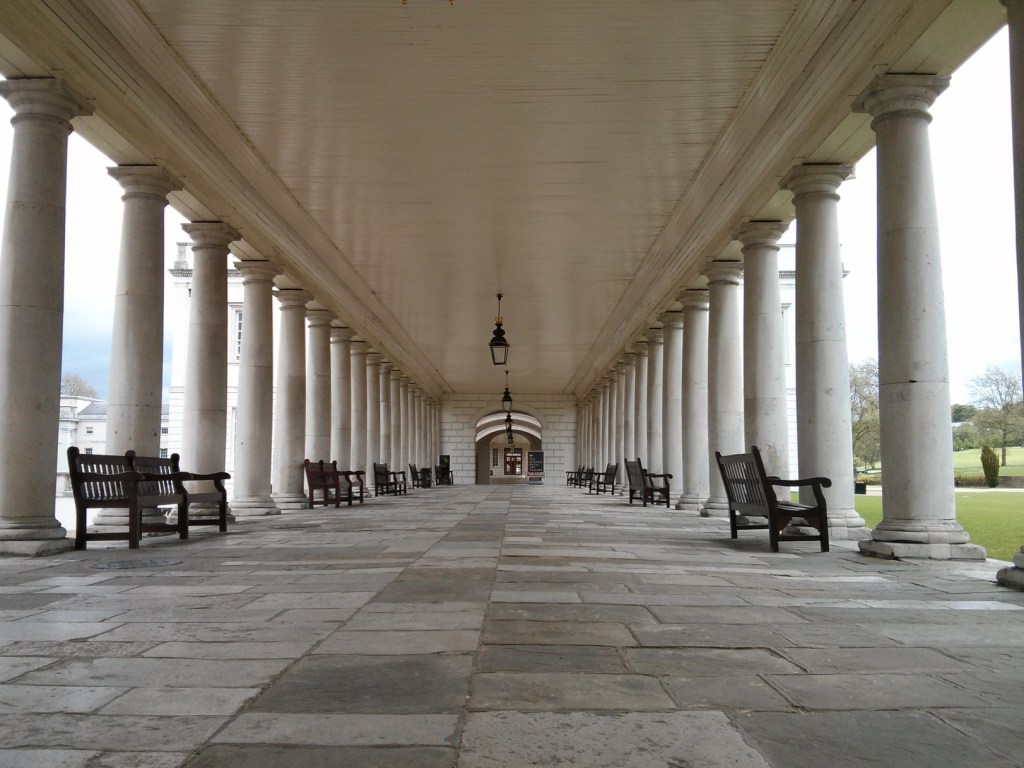
We just got back from a short trip to London with my parents-in-law. Greeted by wind, showers and the occasional sunshine, we had a good time simply visiting museums, shopping and eating.
Tree in Kensington Gardens 
Shadows in Kensington Gardens 
Decoration inside Liberty London department store 
Staircase in Liberty London 
Afternoon tea at the British Museum 
Push really hard 
The Cutty Sark 
The Maritime Museum in Greenwich 
A panorama taken from Greenwich Observatory with my Nexus 4 
Possibly the most important timepiece ever, the “H4” marine chronometer watch built by John Harrison in 1759. (Greenwich Royal Observatory) 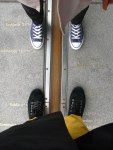
Between West and East in Greenwich 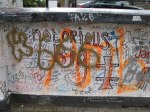
Graffiti in front of Abbey Road Studios 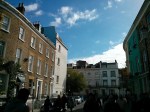
Portobello Road 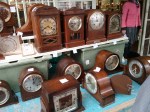
Old Clocks in Portobello Road Market 
Portobello Road Market 
Lots of sewing machines inside a shop on Portobello Road 
New buildings next to Tate Modern 
Modern and really modern: The tower of Tate Modern and the Shard. 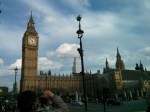
Obligatory tourist photo of the Houses of Parliament 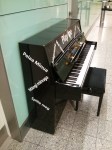
A piano in Heathrow Terminal 3. The Finnish “Pelaa minua” must have been translated using Google…


-
Subscribe
Subscribed
Already have a WordPress.com account? Log in now.
 Daniel Koskinen